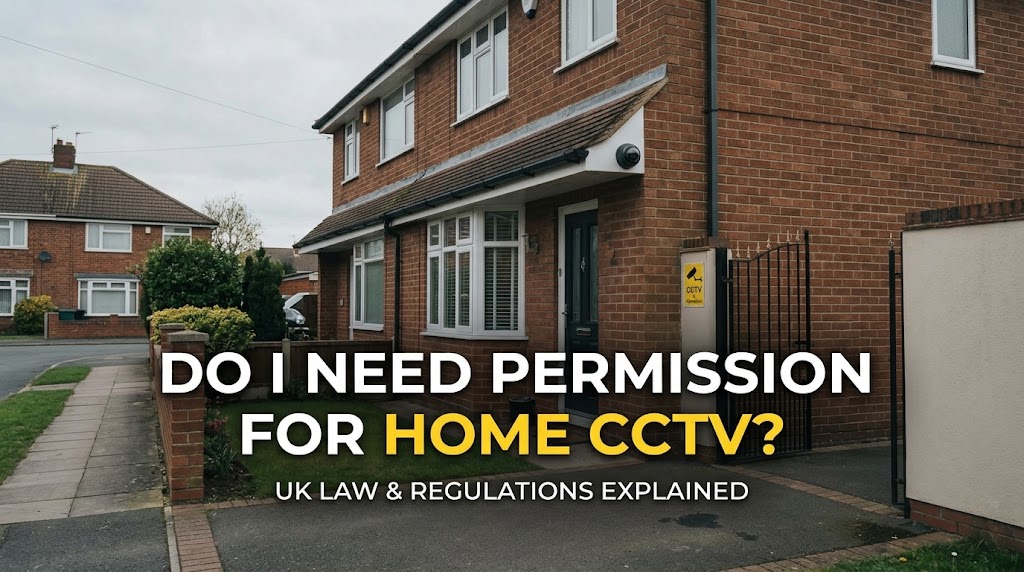
Short answer: no. You don’t need permission from the council, the police or the ICO to put CCTV on your own home in the UK. What matters is what your cameras can see. If they record beyond your property boundary, data protection law applies to you and you take on legal responsibilities.
As a CCTV installer in London, this is the question I’m asked most. Here’s a plain-English guide based on guidance from the Information Commissioner’s Office (ICO) and GOV.UK.
The key rule: where do your cameras point?
If your cameras only capture your own private property, including your garden and driveway, data protection law doesn’t apply to your home CCTV.
If they capture anything beyond your boundary, such as a neighbour’s home or garden, a shared hallway or car park, a public pavement or the street, then UK GDPR and the Data Protection Act 2018 apply to you.
In practice, many front-of-house cameras and video doorbells see at least some of the pavement. That isn’t illegal, but it does mean you need to follow the rules below.
If your cameras see beyond your boundary
You become responsible for that footage in a similar way to an organisation. That means you should:
- Have a clear reason. Be able to explain why you need to record outside your property, for example to protect your front door or your car.
- Tell people. Put up a sign saying CCTV is in use.
- Record no more than you need. Angle cameras, or use privacy masking, to cut out neighbours’ windows and gardens.
- Keep footage secure, and only as long as you need it. Delete recordings regularly and don’t post them online.
- Respond to requests. People you’ve recorded can ask for a copy of footage of them, and can ask you to delete it or stop recording them. You normally have one month to respond to a request for their footage.
- Be careful with audio. Recording conversations is far more intrusive than video, so turn audio off unless you have a very good reason.
If you ignore these rules, the ICO can take action, and people you’ve recorded can take you to court. In one widely reported case, a homeowner whose cameras and video doorbell recorded his neighbour’s property was ordered to pay her substantial damages.
Do I need planning permission?
Usually not. Standard cameras on a house generally don’t need planning permission. If your home is a listed building or in a conservation area, check with your local council before drilling into the walls.
Living in a flat or renting?
If you rent, check your tenancy agreement and ask your landlord before fitting cameras or drilling holes. In a block of flats, the communal hallways, entrances and car parks aren’t yours, so speak to the freeholder or managing agent first, and expect data protection rules to apply because shared spaces will be in view.
Smart doorbells count too
Video doorbells are covered by the same rules. Most look straight out at the path and pavement, so they often capture beyond your boundary. Many let you set privacy zones to block out areas you don’t need to see.
Be a good neighbour
The ICO recommends talking to your neighbours before installing cameras that might see their property. A quick conversation, and showing them what the camera can see, prevents most disputes.
Quick checklist
- Point cameras at your own property wherever possible.
- Use privacy masking for neighbours’ windows and gardens.
- Put up a CCTV sign if you record beyond your boundary.
- Turn off audio unless you really need it.
- Keep footage secure, delete it regularly and never post it online.
- Know how to find and export footage if someone asks for it.
Want it set up properly?
I install home and business CCTV across London. Every system is set up with camera angles, privacy masking and recording settings that keep you on the right side of the rules, plus remote viewing on your phone. I offer a free site survey anywhere in Greater London. Get a free quote.
This article is general guidance based on ICO and GOV.UK advice, not legal advice. The ICO is reviewing its home CCTV guidance following the Data (Use and Access) Act, so check the ICO’s home CCTV page for the latest position, or call the ICO helpline on 0303 123 1113.